AliExpress Video Downloader
on Mobile
No app store, no APK install. Paste an AliExpress share link in your mobile browser and download the MP4 straight to your phone.
How to download on iPhone
- Open the AliExpress app, find your product, tap Share.
- Tap Copy link.
- Open Safari, go to alidownpro.com.
- Paste the link, tap Extract.
- Open the Videos tab and tap Save. The MP4 lands in Files.
How to download on Android
- In the AliExpress app, tap Share → Copy link.
- Open Chrome, paste alidownpro.com.
- Paste the URL, extract.
- Tap Save → the MP4 saves to /Downloads.
Tip: add to home screen for an app feel
On iOS: Safari → Share → Add to Home Screen. On Android: Chrome menu → Install app. AliDownPro is a PWA so you get a real app icon.
FAQ
Can I download AliExpress videos on iPhone?
Yes. Open AliDownPro.com in Safari, paste the AliExpress share link, and tap Save on the Videos tab. The MP4 saves to your Files app.
Can I download on Android?
Yes. Open AliDownPro.com in Chrome, paste the URL, and download. The MP4 lands in /Downloads.
Is there an Android APK?
No APK needed. The web app works exactly the same as an app, without the security risks. You can add AliDownPro to your home screen for an app-like icon.
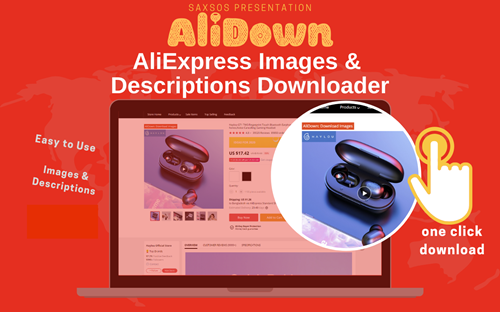
Skip the URL paste. Download right from the AliExpress page.
Install the official AliDown Chrome extension and grab every product image, variant, and video — including review photos — in one click. Unlimited downloads, forever free, no credits needed.
- One-click bulk download
- ZIP, single files, or HD originals
- No login required, no credit limit
- Works on AliExpress, AliBaba & Taobao
⭐ 4.9 / 5 average rating · 10,000+ active users